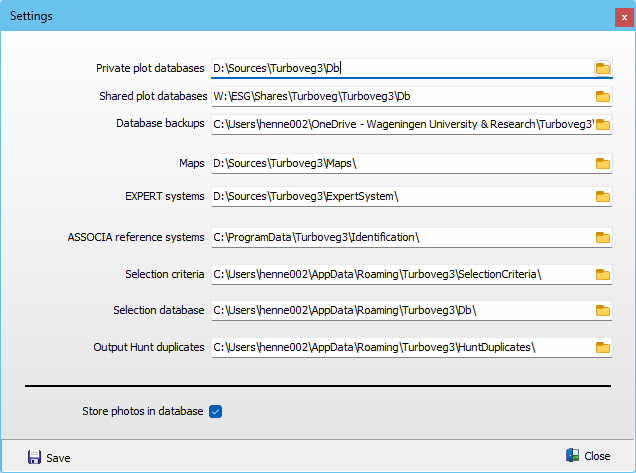
If needed, folders where Turboveg stores certain information can be changed. Note that some folders are by default hidden by Windows.
Databases can be stored in either a private folder or shared folder (e.g. a folder on a server). By default backups of databases are stored together with the databases, however it is better practice to store backup's in a separate folder (e.g. One Drive).
In case the start-up parameter nocheckforupdate is applied, the menu option to manage Folders is disabled.
The option Store photos in database is only accessible when a database is opened. This option can be set for each database individually.